Is there an AsyncAPI plugin for IntelliJ IDEA?
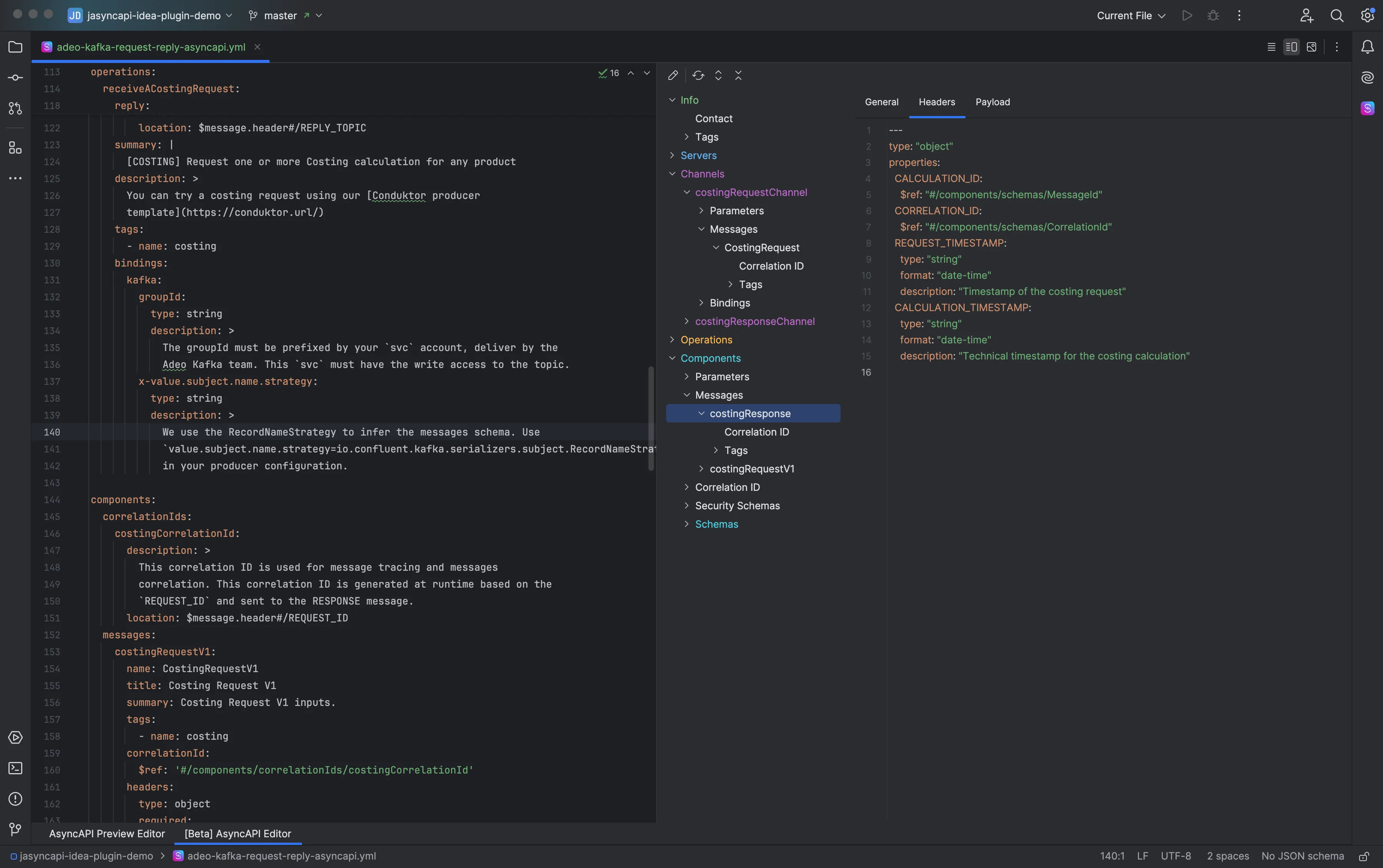
Yes. The AsyncAPI plugin on JetBrains Marketplace adds validation, completion, preview and reference navigation for AsyncAPI documents to IntelliJ IDEA and the other JetBrains IDEs. Install it from Settings → Plugins → Marketplace by searching for AsyncAPI.
Is the AsyncAPI plugin free?
The editor is free: creating, validating, completing and previewing documents, reference navigation and the Spring messaging inspections. Spring and broker export, connection preview, drift detection, UI editing, linting and the deeper MCP tools are Pro, with a 30-day free trial. Why the plugin is freemium.
Which JetBrains IDEs does it work in?
IntelliJ IDEA, WebStorm, PyCharm, GoLand, PhpStorm, Rider, RustRover, CLion, RubyMine, DataSpell, Android Studio, from version 2026.1. Features that read Java or Kotlin source, such as the Spring tool window, need the Java plugin, which IntelliJ IDEA bundles. Everything else works in every IDE.
Does it support AsyncAPI 3?
Yes. Validation and completion cover AsyncAPI 2.0.0 to 2.6.0, 3.0.0 and 3.1.0, in YAML and JSON. The preview renders 2.6.0, 3.0.0 and 3.1.0.
How do I preview an AsyncAPI document in IntelliJ IDEA?
Open the document: the plugin shows the rendered documentation in a split pane next to the source, or in your browser. Local, file and remote references are resolved first. See reading a document.
Can it generate an AsyncAPI document from Spring Kafka code?
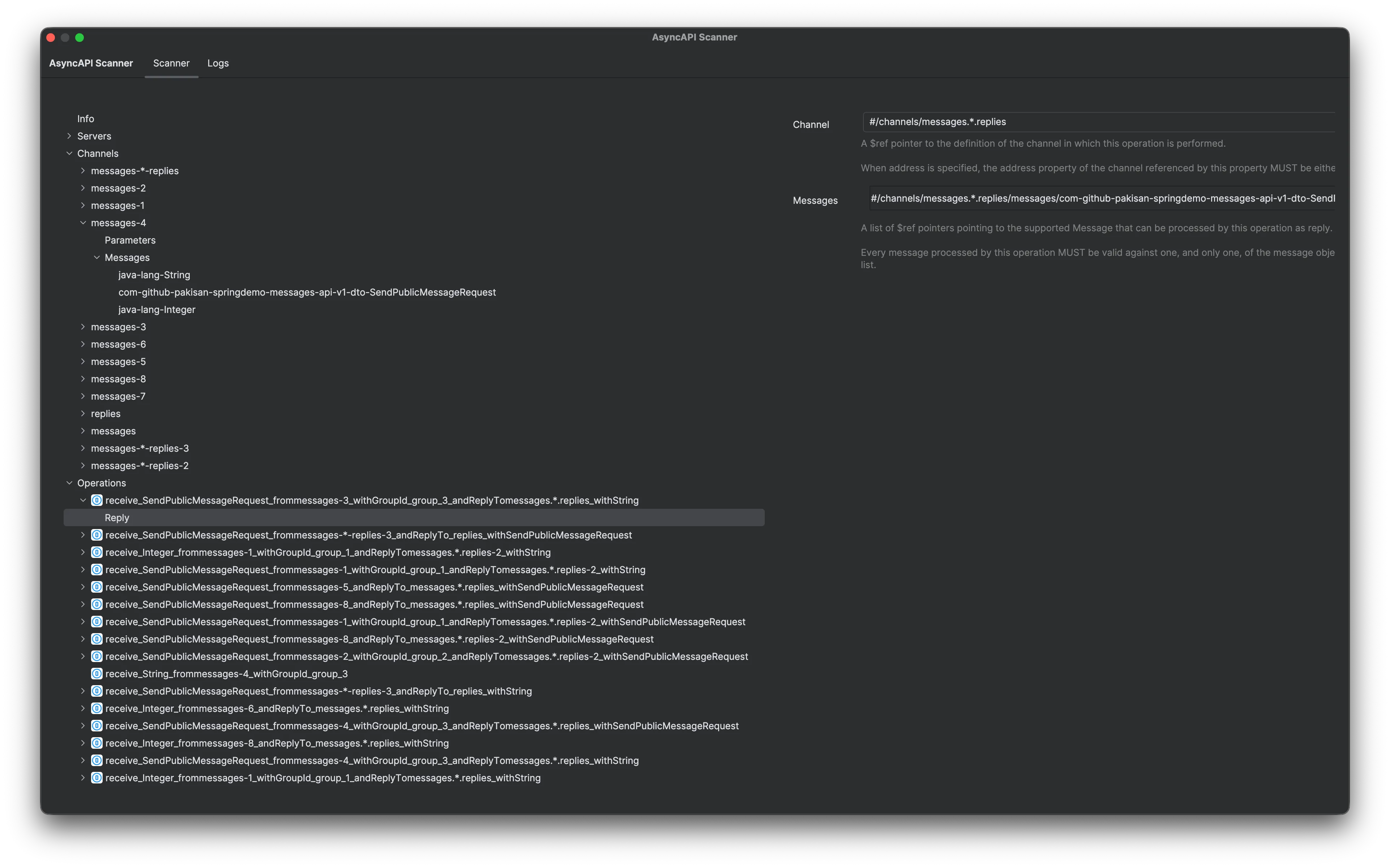
Yes, with Pro. The AsyncAPI: Spring tool window reads @KafkaListener, @KafkaHandler, @SendTo and KafkaTemplate calls, and exports a document per environment with servers from your Spring configuration. It does the same for Pulsar, SQS, SNS and JMS. See how Spring Kafka maps to AsyncAPI.
Can it create an AsyncAPI document from a running Kafka cluster?
Yes, with Pro. Add the cluster under Broker Connections and run Tools → Export AsyncAPI from a Broker…. It works the same for Apache Pulsar and for Amazon SNS and SQS in an AWS account, and it only reads.
How does it work with AI agents?
The plugin adds ten tools to the MCP server bundled with JetBrains IDEs. Enable the server in Settings → Tools → MCP Server, connect your agent, and run Tools → Install AsyncAPI Agent Skill. Document discovery and validation are free.
How is the plugin different from Kurkik?
The plugin works inside the IDE, next to the code. Kurkik is a command-line tool for CI and terminals that documents live brokers and detects drift. They share the same broker preview and MCP tools, so both give the same answers.